

Key Takeaways
Our Verdict
Traditional routers remain a reliable, cost-efficient solution for compact living spaces with moderate device counts. Mesh systems shine in larger homes, challenging layouts, or households where consistent whole-home coverage is a priority. Neither approach is universally superior - the right fit depends on your specific space and how you use the internet.
| Best for | Recommended |
|---|---|
| Apartments or small homes under 1,500 sq ft | Traditional Router |
| Larger homes, multi-story layouts, or homes with thick walls | Mesh Wi-Fi System |
| Budget-conscious setups with moderate device usage | Traditional Router |
| Heavy device households needing seamless roaming coverage | Mesh Wi-Fi System |
How Each Approach Works
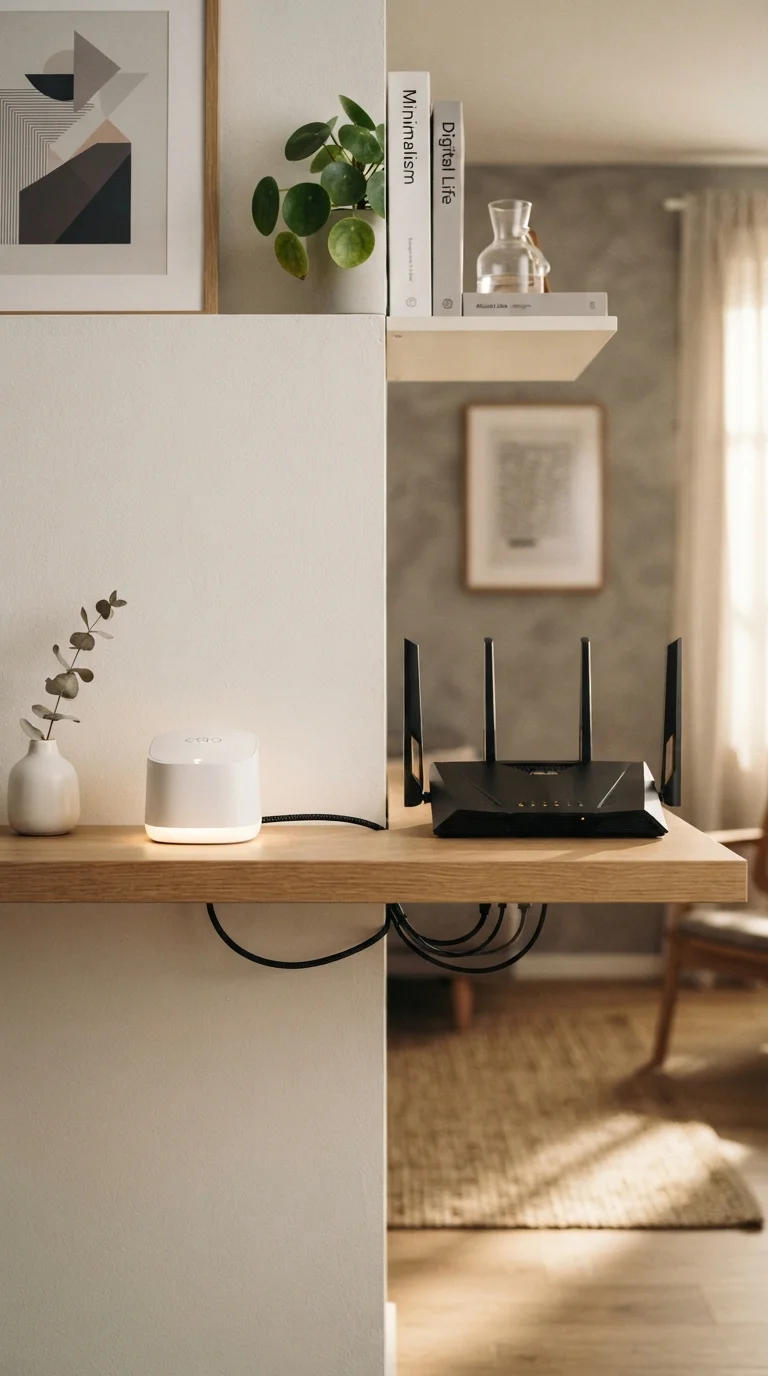
A traditional router connects directly to your modem and broadcasts a single wireless signal from one fixed point. Every device in your home communicates with that one unit. When the router is centrally placed, this works well in smaller, open spaces. However, signal strength drops with distance and degrades further when it has to pass through walls, floors, or large appliances.
A mesh Wi-Fi system replaces - or sometimes works alongside - a single router by using multiple nodes distributed throughout your home. Each node communicates with the others, creating one unified network name. Devices connect to whichever node provides the strongest signal, and handoffs between nodes happen automatically as you move through the house. To understand how your internet connection feeds into either setup, see Home Internet Types Explained.
Coverage and Performance Compared
| Traditional Router | Mesh Wi-Fi System | |
|---|---|---|
| Typical Coverage Area | 1,000-2,500 sq ft | 3,000+ sq ft (scalable) |
| Upfront Cost | Lower | Higher (multiple nodes) |
| Setup Complexity | Simple, plug-and-play | Moderate, app-guided |
| Dead Zone Elimination | Limited to signal range | Designed for whole-home coverage |
| Device Roaming | Manual reconnection may occur | Seamless automatic handoff |
| Scalability | Not easily expanded | Add nodes as needed |
Coverage area is the most obvious dividing line. A single router typically covers 1,000-2,500 square feet under favorable conditions - open floor plans with few obstructions. Add a second story, a garage, or dense construction materials like concrete or brick, and coverage shrinks noticeably.
Mesh systems are engineered to scale. Adding a node can extend coverage by hundreds of square feet, and because nodes form a coordinated network, the transition between them is invisible to connected devices. This matters most for video calls, streaming, and gaming, where a dropped connection mid-session causes real disruption.
It's worth noting that more hardware doesn't automatically mean faster speeds from your ISP. Your internet plan's bandwidth is a fixed ceiling regardless of your Wi-Fi setup - a point explored further in Common Myths About Internet Speed.
Cost, Complexity, and Setup
Placement Makes a Significant Difference
Whether you use a traditional router or a mesh system, node and router placement has a major impact on performance. Central placement, elevated positioning, and keeping units away from microwaves and cordless phones all contribute to a stronger, more reliable signal. For mesh systems, nodes should be within reasonable range of each other - too far apart and they lose the coordination advantage that makes the system effective.
Traditional routers carry a lower upfront cost and simpler setup - plug it in, run through a brief configuration, and you're online. Most users can self-install without technical knowledge. Firmware updates and security management are handled through a single interface.
Mesh systems require more hardware and typically cost more to deploy across a full home. Setup has become significantly more user-friendly in recent years - most systems use smartphone apps that walk users through placement and configuration. However, managing a mesh network, troubleshooting node connectivity, or adjusting settings still adds a layer of complexity compared to a single-unit setup.
A middle-ground option worth considering: a traditional router paired with a wired access point. This uses an Ethernet cable to connect a secondary access point in a distant room, delivering strong, consistent coverage without the cost of a full mesh system. It requires running a cable, which isn't always feasible, but delivers excellent performance where it is.
Choosing the Right Fit for Your Home
Start by assessing three factors: your home's square footage, its layout and construction, and how many devices you regularly connect. A 900-square-foot apartment with drywall construction and a dozen devices is a very different environment than a 3,000-square-foot two-story home with plaster walls and 40+ connected devices.
If Wi-Fi dead zones are already frustrating you in your current setup, that's a reliable indicator that a mesh system - or at minimum a wired access point - would make a meaningful difference. If your connection is stable throughout your home and your main concern is speed or reliability at the router level, upgrading to a newer single-unit router with current Wi-Fi standards may be sufficient.
Mesh systems also integrate naturally with the broader ecosystem of smart home devices. For a broader look at how your router fits alongside thermostats, cameras, voice assistants, and other connected hardware, see our guide to understanding your home's connected devices.