

Key Takeaways
What 'Connected Devices' Actually Means
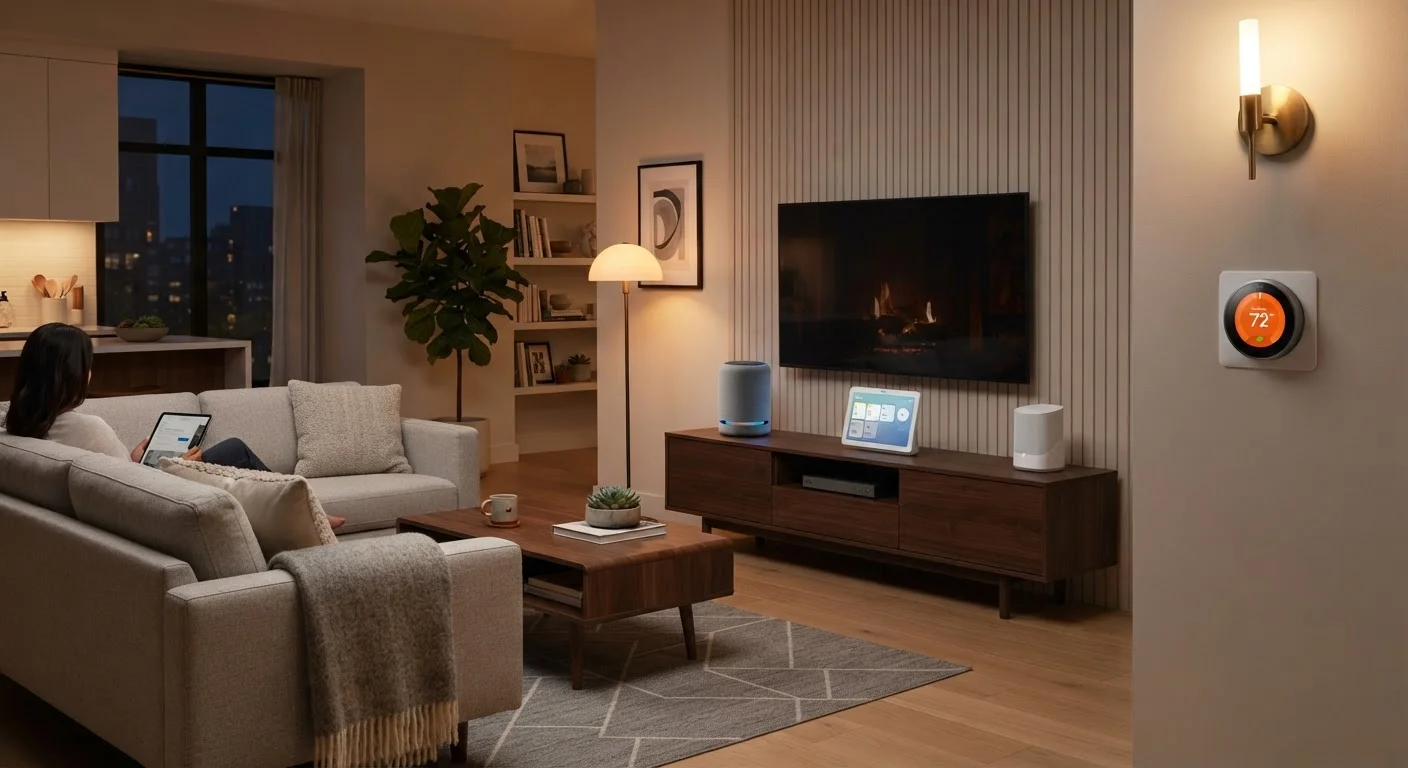
A connected device is any gadget in your home that links to the internet or to other devices - exchanging data, receiving commands, or reporting status. The term covers a wide range: smart thermostats, voice assistants, streaming sticks, smart light bulbs, security cameras, robot vacuums, and even some refrigerators and washing machines.
What unites them is the ability to communicate beyond their physical location. A smart thermostat doesn't just display the temperature - it can receive schedule updates from an app, respond to voice commands, and share energy usage data with your utility provider. That two-way data flow is what makes a device "smart."
Understanding this basic principle helps demystify the whole category. You're not dealing with magic - you're dealing with small computers attached to familiar household items, all passing information back and forth over your home network. For a broader look at the internet infrastructure supporting all of this, see our complete home internet guide.
The Network at the Center of It All
Every connected device in your home depends on one underlying resource: your home network. Whether a device connects via Wi-Fi, a wired Ethernet cable, or a low-power wireless protocol, the network acts as the shared highway moving data between your devices and the outside world.
Your router is the traffic controller. It assigns addresses to each device, manages data flow, and connects your local network to your internet service provider. A single router may handle dozens of devices simultaneously - and as that count grows, performance and coverage can become real concerns.
16+
Average connected devices per US household
Research from Deloitte's Digital Media Trends survey has consistently found US households managing well over a dozen connected devices.
~2.4 GHz & 5 GHz
Common Wi-Fi frequency bands in homes
Most modern routers broadcast on both bands; newer Wi-Fi 6 and 6E routers also support 6 GHz for reduced congestion.
Matter
Cross-brand smart home standard gaining adoption
Launched by the Connectivity Standards Alliance in 2022, Matter is increasingly supported by major device manufacturers to improve interoperability.
Mesh router systems address this by using multiple linked access points placed around your home. Instead of a single signal radiating from one location, mesh systems create a blanket of consistent coverage. This matters in larger homes, multi-story spaces, or anywhere with thick walls that block signals. For deeper guidance on the network layer supporting all your devices, the Internet & Connectivity hub is a useful starting point.
Place Your Router Strategically
For best Wi-Fi performance, position your primary router in a central location - not tucked in a closet or corner. Elevating it and keeping it away from thick walls, microwaves, and other electronics can noticeably improve signal quality throughout your home.
Common Device Categories and What They Do
Connected home devices generally fall into a handful of functional categories:
- Climate control: Smart thermostats learn your preferences and can be adjusted remotely. Some integrate with utility demand-response programs to reduce energy use during peak hours.
- Entertainment: Streaming devices, smart TVs, and soundbars connect to subscription services and can often be controlled through a single remote or voice command.
- Voice assistants: Speaker-based devices that respond to spoken commands, control other smart devices, answer questions, set reminders, and more.
- Security and monitoring: Smart doorbells, cameras, and motion sensors can send alerts and allow remote viewing through a smartphone app.
- Lighting: Smart bulbs and switches allow scheduling, dimming, and color control - often automatable based on time of day or occupancy.
- Appliances: A growing range of washers, dryers, ovens, and refrigerators can send status notifications and accept remote commands.
Each category serves a distinct purpose, but they increasingly interact - a motion sensor can trigger a smart light, which can signal a voice assistant to announce an arrival.
How Devices Talk to Each Other
Not all connected devices speak the same language. Several wireless protocols are in common use, and knowing the basics helps you understand why some devices work together while others don't.
- Wi-Fi
- The most familiar protocol. Used by devices that need high bandwidth - streaming sticks, cameras, smart speakers. Connects directly to your router.
- Bluetooth
- Short-range, lower power. Common for speakers, headphones, and some sensors. Typically requires a phone or hub to relay commands to the broader network.
- Zigbee and Z-Wave
- Low-power mesh protocols used by many smart bulbs, locks, and sensors. Devices on these networks relay signals to each other, extending range - but they require a compatible hub.
- Matter
- A newer, cross-industry standard backed by major tech companies. Designed to let devices from different brands work together without compatibility headaches.
Before adding any new smart device, check which protocol it uses and whether your existing hub or router supports it. A five-minute compatibility check prevents hours of troubleshooting.
Protocol mismatches are among the most common sources of frustration when setting up smart home devices, and they're entirely avoidable with a quick pre-purchase review.
When your network feels sluggish, check your router's connected-device list before assuming you need a faster internet plan - an overloaded router is often the real bottleneck.
Consumer routers vary widely in how many simultaneous connections they handle well; network congestion at the router level can mimic slow internet speeds.
Understanding which protocol a device uses helps you anticipate setup requirements and potential compatibility issues before you buy.
Managing Your Connected Home With Confidence
One of the most practical skills in a connected home is keeping track of what you have and how it's organized. A few habits go a long way:
- Name your devices clearly. "Kitchen camera" is more useful than "Device 7" in your router's device list.
- Group by app or ecosystem where possible. Many platforms - such as Apple Home, Google Home, or Amazon Alexa - can act as a central control point for multiple brands.
- Check for firmware updates regularly. Device manufacturers release updates to fix bugs and patch security vulnerabilities. Most devices can be set to update automatically through their companion apps.
- Know your network's capacity. Routers have practical limits on simultaneous connections. If performance degrades as you add devices, your router's capacity - or your internet plan's speed - may be a factor.
For households where apps are multiplying across phones, tablets, and shared screens, syncing apps across devices is a natural next challenge to address.
Ecosystems Have Trade-Offs
Committing all your devices to one ecosystem (such as Google Home or Apple Home) can simplify day-to-day management, but it may limit your choices when shopping for new devices. The Matter standard is gradually reducing this tension by enabling cross-platform compatibility, though full adoption across all device categories is still ongoing.
Security Basics for Connected Devices
Every device you add to your network is a potential entry point. That's not a reason for alarm - it's a reason to build a few simple habits.
Every Device Is a Network Entry Point
A connected home camera, bulb, or thermostat is a small computer on your network. If left unpatched or using default credentials, these devices can be exploited to access other devices or data on the same network. Treating smart home devices with the same basic security discipline you apply to a laptop or phone significantly reduces this risk.
Key practices that apply to connected home devices include:
- Change default passwords. Many devices ship with generic login credentials that are publicly documented. Create a unique password for each device and its companion app.
- Keep firmware current. Updates frequently contain security patches. Enabling automatic updates where available removes the burden of remembering.
- Use a separate network for IoT devices. Many modern routers allow you to create a guest or secondary network. Placing smart home devices on a separate network limits their access to your primary computers and phones.
- Review app permissions. Smart home companion apps often request access to location, contacts, or microphone. Grant only what the device genuinely requires to function.
For a broader framework on device security habits, keeping your devices secure without becoming a tech expert covers the fundamentals clearly. And if you want to go deeper on the network side specifically, home network security basics is a natural companion read.