

Key Takeaways
Summary
22 items · 30-60 minutes
Why a Subscription Audit Is Worth Your Time
Software subscriptions have a way of accumulating quietly. A streaming service added during a free trial, a productivity app purchased for a single project, a cloud storage tier that auto-upgraded years ago - individually, each charge looks small. Together, they can represent a meaningful slice of your monthly spending.
Unlike a one-time purchase, a subscription renews on its own. Without a periodic review, you can fund software you barely touch - or have forgotten entirely. This checklist gives you a structured way to surface every active subscription, evaluate whether it earns its cost, and decide what to keep, downgrade, share, or cancel.
If you want to fold the results of this audit into a broader spending review, the monthly household budget checklist is a practical next step. And if unused subscriptions are part of a bigger pattern, it's worth reading about habits that quietly erode savings to understand the wider picture.
Find Every Active Subscription
Document What You're Paying
Evaluate Actual Usage
Decide and Take Action
Tools That Make the Audit Easier
You don't need specialized software to complete this checklist, but having the right resources at hand will speed things up significantly.
Spreadsheet (e.g., Google Sheets or Excel)
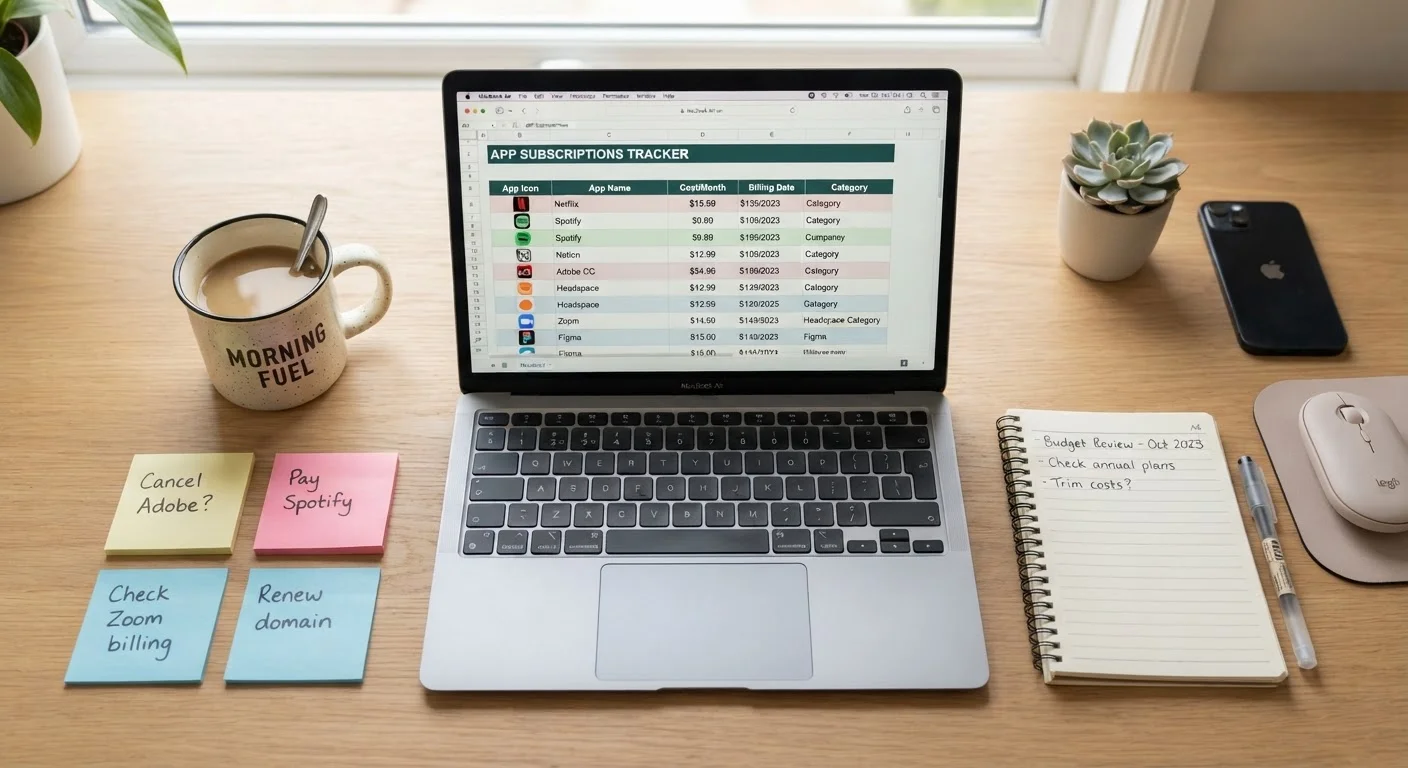
Create a running inventory of every subscription, its cost, billing frequency, and usage rating.
Bank and credit card statement portal
Review recent transaction history to surface recurring charges across all payment methods.
Apple ID or Google account settings
View and manage subscriptions billed through app stores in one consolidated screen.
Email search (Gmail, Outlook, etc.)
Locate subscription receipts and renewal notices that aren't captured in bank statements.
Subscription tracking app
Automatically detect recurring charges across linked accounts and display them in a single dashboard.
If you're weighing whether a paid tier is actually worth it compared to a free alternative, our explainer on free vs. paid software pricing models breaks down what you're really getting with each approach. Once you've completed your audit, consider scheduling it as a recurring calendar event - annually at minimum, or quarterly if your app usage changes frequently.
Watch Out for Annual Renewals After Cancellation
Some services continue to charge until a formal cancellation is processed - simply stopping use does not stop billing. Always cancel through the service's account settings or app store subscription page, and save the confirmation. If a charge appears after you've canceled, contact the service's support team with your confirmation record and request a refund.
What to Do With Your Audit Results
Once you've worked through every item on the checklist, you'll have a clear inventory: what you pay, what you use, and what you can justify. From there, the decision framework is straightforward.
- Keep: You use it regularly, it solves a real problem, and the cost is proportionate to the value you get.
- Downgrade: You use the service but not the premium features. Check whether a lower tier or free plan meets your needs.
- Share: Many subscriptions allow multiple household members under a single plan. Consolidating family accounts often reduces per-person cost significantly.
- Cancel: You rarely or never use it, a free alternative exists, or the feature set duplicates something you already pay for elsewhere.
Keep a record of what you cancel and when, particularly for services with annual billing - this gives you documentation if a charge appears after cancellation. Your audit findings can also feed directly into an annual savings health check to see how reducing recurring costs improves your overall financial picture.