

| Software update types | Major, minor, and patch (e.g., v14.3.1) |
| Most common app permission categories | Camera, microphone, location, contacts, storage |
| Open-source licensing | Source code publicly available; terms vary by license (MIT, GPL, Apache, etc.) |
| Firmware vs. software | Firmware is embedded in hardware; app software runs on top of an operating system |
| 2FA code delivery methods | SMS, authenticator app, hardware key, email |
Why Software Vocabulary Matters
Error messages, app settings, and privacy disclosures are packed with technical language. When those terms go undefined, readers are left either ignoring important information or making guesses that can lead to frustration. A working vocabulary changes that dynamic - it lets you troubleshoot smarter, evaluate software more honestly, and understand what you're agreeing to when you click "Accept."
This glossary covers the terms you're most likely to encounter across apps, operating systems, and web services. They're organized by category so related concepts appear together. For hardware-specific terminology, see Consumer Electronics Terms Every Owner Should Know; for networking language, Latency, Ping, and Packet Loss covers the essentials.
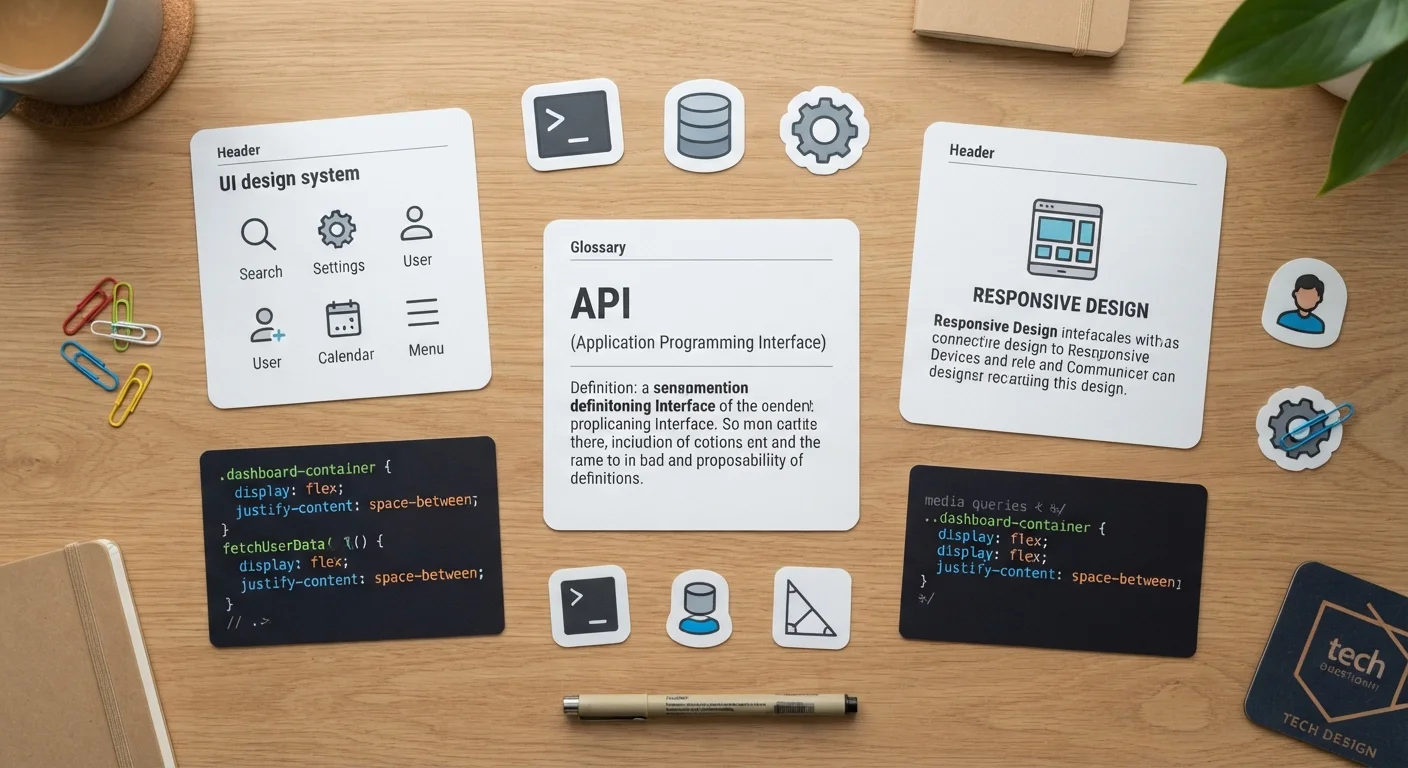
API
Application Programming Interface - a set of rules that allows two software systems to communicate. APIs let apps share data and features without exposing their underlying code.
Cache
Temporary data stored locally by an app or browser to speed up repeated tasks. Clearing the cache can fix display errors and slowdowns but does not delete account data.
Firmware
Permanent software installed directly on hardware such as routers, printers, or smart TVs. Firmware controls basic device functions and is updated less frequently than regular apps.
Sandbox
An isolated environment that restricts what a program can access on your system. Mobile operating systems use sandboxing to limit the potential harm a rogue app can cause.
Two-Factor Authentication (2FA)
A login security method requiring two forms of verification - usually a password and a one-time code. It makes unauthorized account access significantly harder.
Encryption
A process that converts data into an unreadable format, accessible only with the correct decryption key. End-to-end encryption ensures only communicating parties can read the content.
Permissions
Access rights an app requests to device features like the camera, microphone, or location. Users can typically review and revoke permissions through their device's settings menu.
Open Source
Software whose underlying source code is publicly available for anyone to view, modify, or distribute. Open-source projects are often community-maintained and freely available.
Phishing
A social engineering attack that uses fake emails, texts, or websites impersonating trusted entities to steal credentials or install malware.
Beta
A pre-release version of software made available for testing before the final public launch. Beta versions may contain bugs and are generally not recommended for critical daily use.
Session Token
A temporary credential your browser or app holds after login so you stay signed in without re-entering your password. Logging out invalidates the token.
Patch
A small software update released to fix specific bugs or security vulnerabilities, without delivering new features. Keeping software patched is one of the most effective routine security habits.
Core Software Concepts
These terms describe how software is built, distributed, and structured - knowledge that pays off when you're deciding whether to install, update, or trust an application.
| Software update types | Major, minor, and patch (e.g., v14.3.1) |
| Most common app permission categories | Camera, microphone, location, contacts, storage |
| Open-source licensing | Source code publicly available; terms vary by license (MIT, GPL, Apache, etc.) |
| Firmware vs. software | Firmware is embedded in hardware; app software runs on top of an operating system |
| 2FA code delivery methods | SMS, authenticator app, hardware key, email |
Updates and Versions
Version numbers follow a pattern like 14.3.1. The first digit usually marks a major release with new features; the middle digit indicates a minor update; the last marks a small patch, often a bug fix or security correction. When an app prompts you to update, checking the version number can give you a sense of how significant the change is.
Permissions and Privacy
Permissions are access rights an app requests - to your camera, microphone, contacts, or location. Granting a permission isn't permanent; most operating systems let you review and revoke them at any time through your device settings. If an app requests permissions that don't match its stated function, that's worth scrutinizing. For a broader look at what software licensing models mean for your data and wallet, see Free vs. Paid Software: What the Difference Actually Means.
Terms You'll See in Settings and Error Messages
The following terms appear constantly in menus, error dialogs, and support documentation. Understanding them turns confusing prompts into actionable guidance.
- Cache: A store of temporary data saved locally so apps and browsers load faster. Clearing the cache resolves many performance and display glitches without losing personal data like passwords or account info.
- Crash / Force quit: A crash means a program stopped running unexpectedly. Force quitting manually ends an unresponsive application - useful when an app freezes but doesn't close on its own.
- Debug mode / Developer options: Settings intended for software developers to diagnose problems. Unless you're troubleshooting a specific technical issue, these settings are best left at their defaults.
- Sandbox: An isolated environment where an app runs without being able to access other parts of your system. Many mobile operating systems sandbox all apps by default, limiting the damage a malicious app can cause.
- API (Application Programming Interface): A defined way for two pieces of software to communicate. When a weather app displays data from a national weather service, it's using that service's API. You don't interact with APIs directly, but they power most of the connected features you use daily.
- Firmware: Low-level software embedded in hardware - your router, smart TV, or printer runs firmware. Firmware updates are released less frequently than app updates but are important for security and device stability.
Security and Account Terms
These terms show up in account dashboards, security alerts, and privacy policies. Knowing them helps you make deliberate choices about protecting your information.
- Two-factor authentication (2FA): A login method that requires two forms of verification - typically your password plus a one-time code sent to your phone or generated by an authenticator app. It significantly raises the barrier against unauthorized account access.
- Encryption: The process of converting data into a scrambled format that can only be read by someone with the correct key. End-to-end encryption means only the sender and recipient can read the content - not even the service provider.
- Phishing: A deceptive attempt, usually via email or text, to trick you into revealing credentials or clicking a malicious link by impersonating a trusted source.
- Token / Session token: A temporary digital credential your device holds after you log in, so you don't have to re-enter your password on every page. Logging out typically destroys the token, ending the session.
Understanding these terms also helps when reviewing privacy disclosures - documents that describe what data an app collects and how it's used. Our Devices & Gadgets hub includes plain-language guides that apply this vocabulary to everyday consumer electronics decisions.